
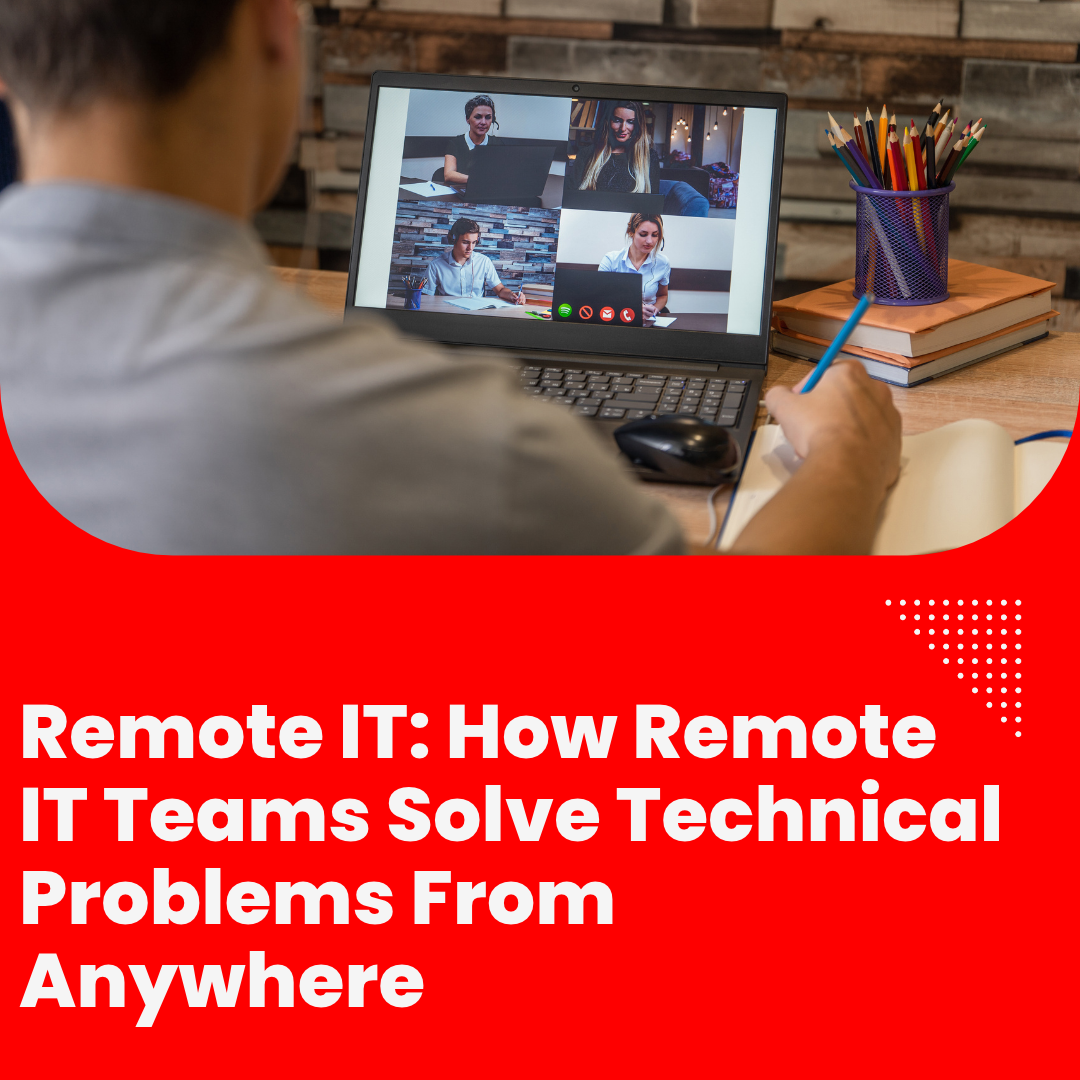
Technology plays a critical role in keeping modern businesses running. From employee computers and communication platforms to business applications and network infrastructure, even a small technical issue can interrupt daily operations. Fortunately, companies no longer need to rely exclusively on an IT department working inside their office. With the right tools and processes, Remote IT teams can troubleshoot problems, support employees, and help maintain business continuity from virtually anywhere.
For companies looking to improve efficiency and control operational costs, remote IT support offers a practical way to access technical expertise without requiring every technician to be physically present.
What Is Remote IT Support?
Remote IT support involves using digital tools, secure connections, and communication platforms to diagnose and resolve technical issues without visiting the user’s physical location.
Depending on the problem, technicians can assist employees with computer issues, software errors, connectivity problems, account access, and other common technical challenges. More complex situations may still require onsite assistance, but many everyday issues can be handled remotely.
The key is having the right technology, trained professionals, and clear procedures to respond efficiently.
Four Tools That Make Remote IT Work
1. Remote Desktop Tools
Remote desktop software allows authorized technicians to access a user’s device securely, with the appropriate permissions, to investigate and resolve technical problems. Instead of spending time traveling to an office or waiting for an onsite visit, employees can receive assistance directly from a remote technician.
These tools are especially useful for troubleshooting software problems, reviewing settings, and guiding users through technical solutions.
2. Ticketing Platforms
When several employees need technical assistance, keeping track of every request can become challenging. Ticketing platforms help organize support requests, assign priorities, document troubleshooting steps, and track each issue until it is resolved.
This structured approach makes it easier for IT teams to identify urgent problems, manage workloads, and maintain a record of recurring technical challenges.
3. Monitoring and Alerting Tools
Some technical issues can be identified before they cause significant disruption. Monitoring tools help IT professionals observe certain aspects of system performance, network availability, and infrastructure health.
When configured appropriately, alerts can notify technicians about unusual activity or potential problems, allowing them to investigate and respond before an issue escalates.
Although monitoring cannot prevent every outage, it can improve visibility and support a more proactive approach to IT management.
4. Collaboration Tools
Effective technical support requires communication. Messaging platforms, video calls, shared documentation, and other collaboration tools help technicians coordinate with employees and other IT professionals.
Clear communication also helps employees understand what is happening, what steps they need to take, and when they can expect an update.
The Business Benefits of Remote IT
A well-organized Remote IT team can help companies reduce delays, support employees across multiple locations, and make better use of technical resources. Businesses can also gain access to a broader talent pool without limiting recruitment to candidates who live near their offices.
Remote support may help improve response times, depending on staffing, processes, and the severity of the issue. It can also provide greater flexibility as a company grows or adopts new technologies.
Security remains essential. Businesses should use approved remote access tools, appropriate authentication, access controls, documented procedures, and clear data protection policies to help safeguard their systems.
Why Remote IT Matters for Growing Businesses
As businesses become more dependent on technology, reliable technical support becomes increasingly important. A delayed response to a computer issue, network problem, or application failure can affect employee productivity and customer service.
Remote IT provides another way to organize technical assistance while allowing employees to focus on their responsibilities. With the right team and tools, companies can address many technical challenges without requiring every support professional to work onsite.
How Valore Office Solutions Can Help
Finding the right people to support your technology needs can be challenging, especially when you want to balance service quality and operating costs.
Valore Office Solutions helps businesses access skilled remote talent to support their operations. With the right staffing approach, your company can explore flexible ways to strengthen its support capabilities while keeping its business goals in focus.
Whether your organization needs help with user support, troubleshooting, or monitoring-related tasks, understanding your requirements is the first step toward building an effective solution.
Which IT challenge takes up the most time at your company: troubleshooting, user support, or system monitoring?
Contact Valore Office Solutions at 310-975-5832 to discuss your business needs and explore your options.
Valore Office Solutions — vetted. trained. proven.
Leave a Reply